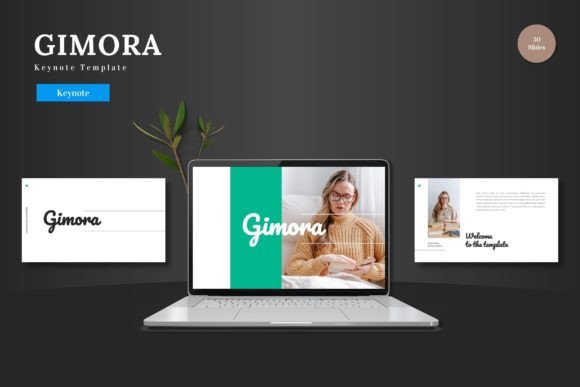
Gimora: The Keynote Template That Transforms Ideas into Impact
Let's be honest: we've all sat through presentations that felt like a chore. The kind with walls of text, mismatched colors, and clip art that belonged in 2005. Whether you're pitching a new business idea, showcasing a product launch, or presenting a quarterly report, the tool you use to build your slides matters more than you think. It's not just about sharing information; it's about holding attention, conveying professionalism, and making your message stick. That's where the right template comes in—not as a crutch, but as a catalyst for clearer, more compelling communication.
A Foundation Built for Visual Clarity
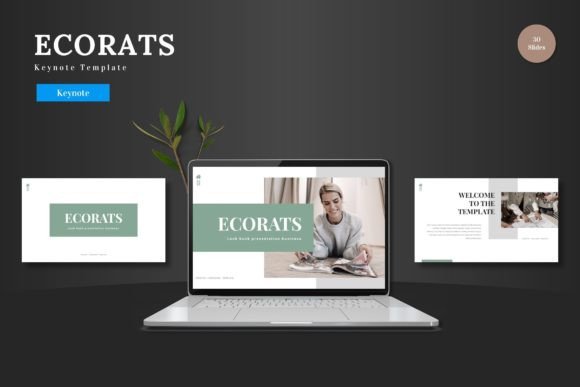
At its core, the Gimora template is designed with a clean, modern aesthetic that prioritizes your content. It avoids the common pitfall of over-designed slides that compete with your message. Instead, it offers a balanced canvas where typography, imagery, and data can coexist harmoniously. The structure is inherently scalable, meaning it looks just as sharp on a small laptop screen during a video call as it does on a large projector in a conference room. This kind of visual consistency is crucial for building brand recognition. When every slide in your deck shares a cohesive color palette, typography style, and layout logic, your audience subconsciously perceives your brand as organized and trustworthy.
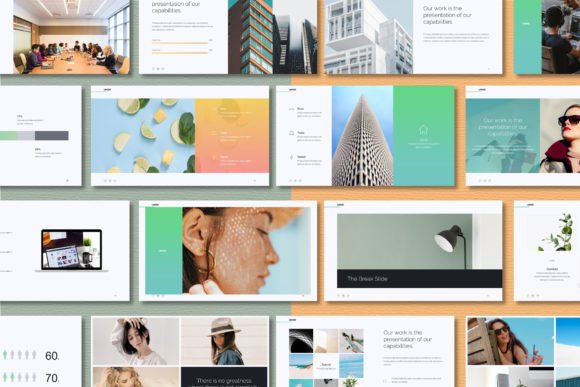
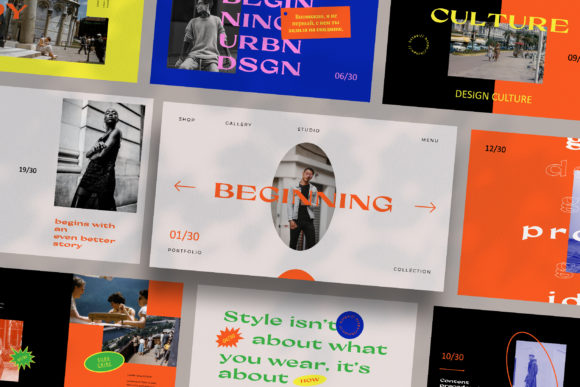
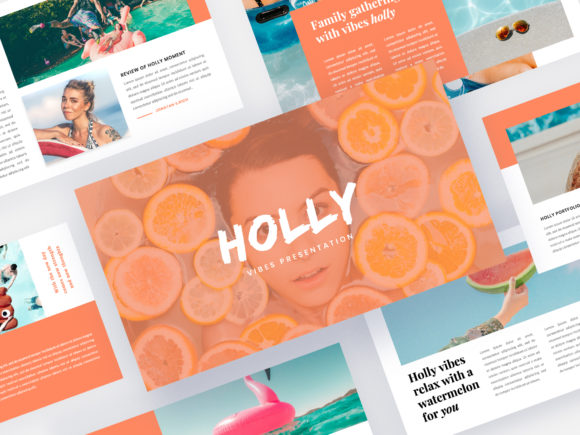
The practicality of having over 150 slides across five pre-made color schemes cannot be overstated. It eliminates the "blank slide" anxiety many of us feel. Need a slide to introduce your team? There's a layout for that. Want to visualize complex data with a handcrafted infographic? It's already built in. Need a clean section break to transition between topics? Covered. This variety allows you to mix and match layouts without breaking the visual flow, ensuring your presentation feels dynamic rather than repetitive. The pixel-perfect illustrations and resizable graphics mean you're not stuck with low-quality assets that pixelate when scaled—a common frustration with lesser templates.
From Pitch Decks to Product Promotions: Real-World Applications
The true test of any design asset is its versatility. A template that only works for one type of presentation is a limited tool. Gimora's strength lies in its multipurpose design. For entrepreneurs and startup founders, it's a ready-made framework for a pitch deck. The structured slides help you walk investors through your problem, solution, market size, and business model in a logical sequence. For marketers and product managers, it's ideal for launching a new feature or product. You can dedicate slides to high-resolution product shots, customer testimonials, and key performance metrics, all while maintaining a polished, professional look that builds credibility.
But its use extends far beyond the boardroom. Content creators and bloggers can adapt it for media kits or brand partnership presentations. E-commerce businesses can use it to create compelling visual catalogs or wholesale order forms. Even educators and trainers can leverage its clean layout for workshop materials. The drag-and-drop picture placeholders are a game-changer for efficiency. Instead of manually resizing and cropping every image, you simply drag your photo into the designated area, and it fits perfectly within the design. This saves hours of tedious formatting work, letting you focus on refining your narrative and message.
Practical Design Advice for Maximum Impact
Choosing a template is just the first step. To truly harness its power, you need to use it strategically. Start by selecting a color scheme that aligns with your brand identity. If your brand uses specific hex codes, you can easily apply them across the master slides for instant cohesion. Think about your typography pairing. While the template includes suggested fonts, you might want to pair its clean sans-serif headings with a complementary serif or script font for body text to add visual interest. Always test these pairings for readability, especially on smaller screens. A beautiful font is useless if your audience has to squint to read it.
Pay close attention to the infographics and data visualization slides. Don't just plug in numbers; use them to tell a story. A well-designed chart can make a complex trend instantly understandable. The "Readme First" file included with the template is your best friend—it contains crucial information about fonts and photo sources, ensuring you have the proper licenses for commercial use. This is a critical step many overlook. Using assets without verifying their license can lead to legal headaches down the road. Finally, don't be afraid to customize. Change the shape colors, adjust the layout of elements, or combine slides from different sections. The goal is to make the template your own, not to use it as-is.
Elevating Your Professional Presence
In a world saturated with information, how you present your ideas is a direct reflection of your professionalism. A sloppy, inconsistent presentation can undermine even the most brilliant concept. Conversely, a clean, visually engaging deck signals that you value your audience's time and attention. It demonstrates that you've put thought into not just what you're saying, but how you're saying it. This attention to detail builds trust and makes your message more persuasive.
Think of your presentation as a key piece of your brand's visual identity, just like your logo or website. The colors, fonts, and overall style should feel familiar to anyone who knows your brand. This consistency reinforces who you are and what you stand for. Whether you're a solopreneur pitching your services or a team lead presenting a project update, the Gimora template provides a professional foundation that allows your ideas to shine. It handles the heavy lifting of design and layout, freeing you to concentrate on delivery and connection. After all, the best presentations aren't just seen; they're felt and remembered.