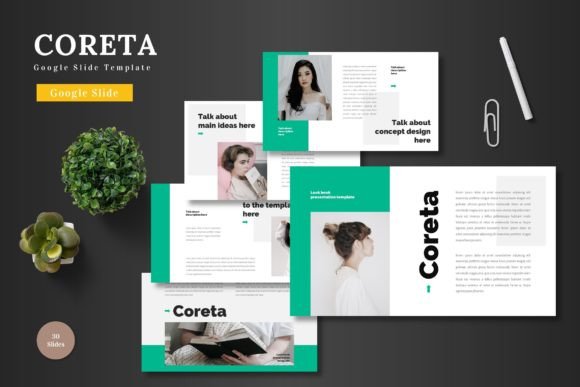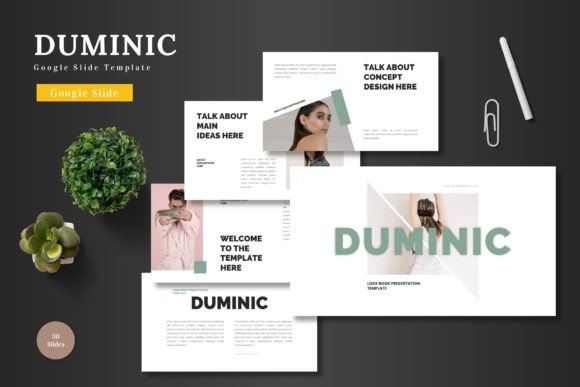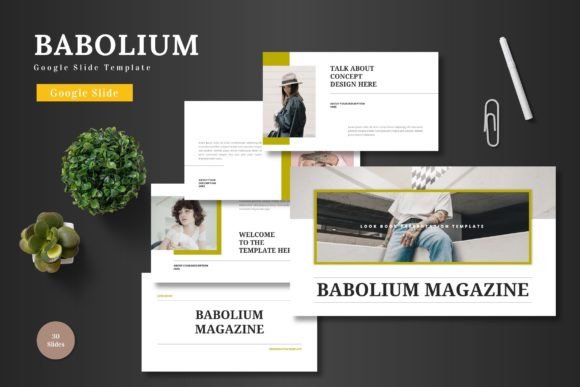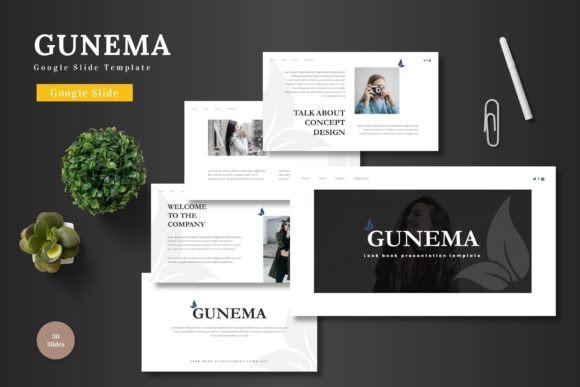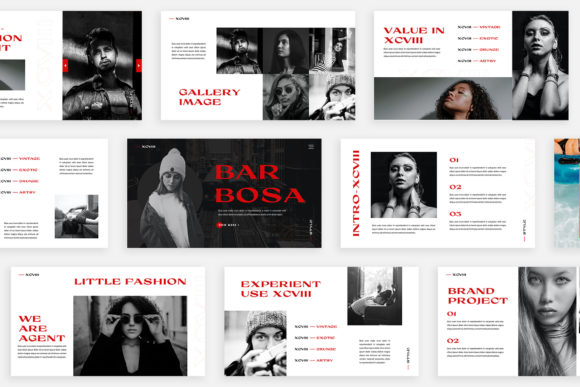
Turinure: A Google Slides Template for Modern Business Needs
Imagine this: you've spent weeks refining your business idea, a pitch deck for investors, or a new product launch strategy. You open a blank Google Slides file, and the blinking cursor feels like an accusation. The pressure to create something professional, cohesive, and visually compelling from scratch can be paralyzing. This is where a well-constructed template becomes less of a shortcut and more of a strategic foundation. The Turinure - Google Slide Template is designed to be that foundation, offering a clean, scalable, and multipurpose framework that lets you focus on your message rather than wrestling with design software.
At its core, Turinure is a comprehensive design system for Google Slides. It's built on the principle that powerful presentations shouldn't require advanced design skills or expensive software. Every element is editable directly within Google Slides—shapes, colors, text, and image placeholders are all at your fingertips. This accessibility is crucial for small business owners, entrepreneurs, and marketers who need to move quickly and maintain brand consistency without a dedicated design team. The template's structure, based on master slides, ensures that any change you make to a color scheme or font style cascades beautifully through all 150+ slides, saving you countless hours of manual adjustment.
Practical Applications Beyond the Pitch Deck
While the name suggests a presentation tool, thinking of Turinure merely as a slide deck limits its potential. Its clean aesthetic and pixel-perfect illustrations make it a versatile asset for a wide range of visual communication projects. Consider using it to develop your entire brand identity system. The consistent color palettes and structured layouts can guide the creation of social media graphics, blog post headers, and even preliminary packaging design mockups. For a content creator or blogger, the template's gallery and portfolio slides offer a ready-made structure for showcasing work samples or visual storytelling in a webinar or online course.
The real value lies in its ability to enforce visual consistency. When your Instagram stories, your website banners, and your investor pitch all share the same typographic hierarchy and color language, you build stronger brand recognition. Turinure's five premade color schemes provide a starting point, but the true power is in customizing them to match your existing brand palette. This ensures that every touchpoint, from a Facebook ad to a printed one-sheet, feels unified and professional. It transforms scattered design efforts into a cohesive brand experience.
Designing for Clarity and Engagement
A common pitfall in presentation design is prioritizing flair over function. Turinure's design philosophy leans toward modern typography and clean layouts that prioritize readability and audience engagement. The inclusion of handcrafted infographics is particularly valuable. Data presented in a clear, visually digestible format is far more persuasive than a wall of text. Whether you're explaining a sales funnel, breaking down market research, or outlining a project timeline, these infographic elements help your audience grasp complex information quickly, keeping them focused on your narrative.
When working within the template, practical design advice becomes essential. First, resist the urge to use every available slide. With 30 slides per color variation, it's better to curate a focused story than to overwhelm your audience. Use the section break slides to create clear narrative pauses. Second, leverage the picture placeholders effectively. Drag-and-drop functionality is convenient, but take the time to source high-quality, relevant images that align with your brand's aesthetic. A pixelated or generic stock photo can undermine an otherwise polished design. Finally, test your font pairings within the template's framework. While the template suggests a style, you can often enhance it by pairing a strong serif font for headings with a clean sans-serif for body text, ensuring both impact and readability.
Integrating Turinure into Your Creative Workflow
For the entrepreneur or small business owner, time is a precious commodity. Turinure streamlines the presentation creation process, but its integration into your broader workflow is where the efficiency gains multiply. Use it as a rapid prototyping tool for marketing campaigns. Draft a series of social media ad concepts on different slides, using the color variations to test different visual approaches. Export individual slides as high-resolution images for use on websites or in digital products. The template's scalability means your designs will look crisp whether viewed on a phone or projected in a boardroom.
It's also a powerful tool for collaboration. Because it lives in Google Slides, team members can comment on, edit, and contribute to presentations in real time. This is invaluable for remote teams working on a product launch or for agencies getting client feedback. The included "Readme First" file is a critical resource—it details the fonts and photos used, ensuring you can maintain design integrity or source similar assets for other projects. Remember, while the template handles the visual heavy lifting, your unique content, voice, and strategic insights are what will ultimately resonate with your audience and drive your business forward.