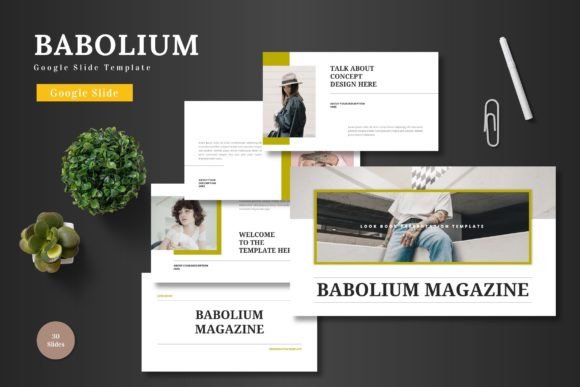
Barbosa – Google Slide Template: Modern Presentation Design
Crafting a presentation that truly captures attention requires more than just bullet points and stock imagery. For professionals in digital media, marketing, or corporate sectors, the visual framework of your pitch is just as critical as the data inside it. The Barbosa – Google Slide Template addresses this need by offering a distinct aesthetic that breaks away from the monotonous, repetitive layouts often found in standard slide decks. It is designed for the creator who wants their visual communication to feel bespoke, curated, and magazine-ready, transforming a standard meeting into an engaging visual experience.
Aesthetic Versatility for Modern Branding
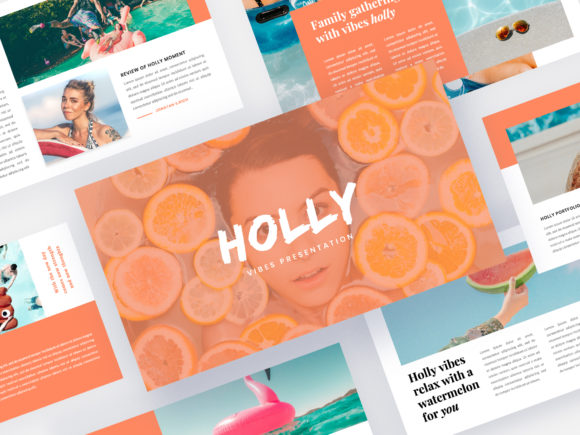
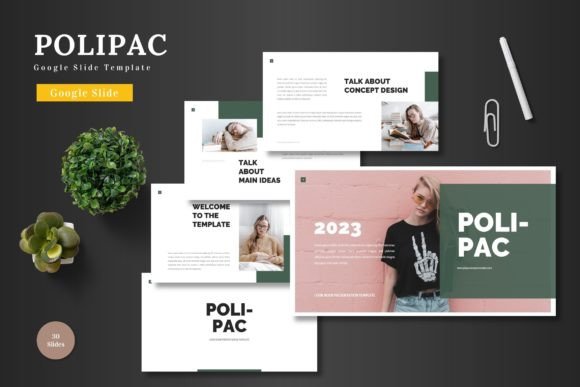
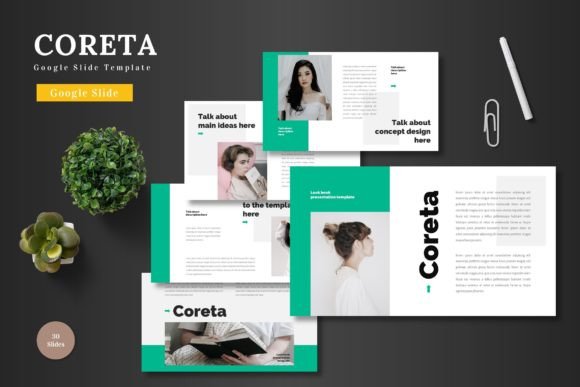
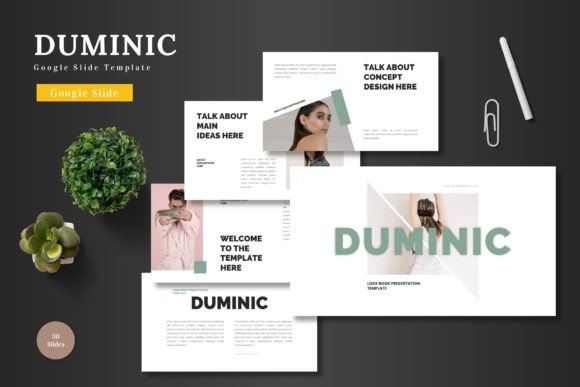
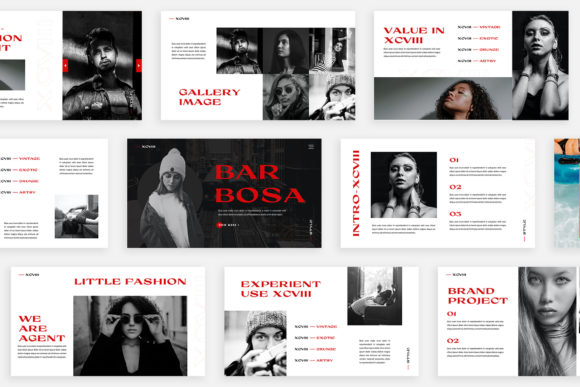
One of the standout characteristics of the Barbosa template is its commitment to a unique, editorial style. Unlike traditional templates that simply duplicate the same header-and-content structure on every page, Barbosa treats each slide as an individual canvas. This approach draws inspiration from lookbook and magazine style layouts, where the interplay between text and imagery is dynamic and intentional. Whether you are a small business owner presenting a quarterly review or a creative agency pitching a new brand identity, this variety prevents "slide fatigue"—that glazed-over look your audience gets when every page looks identical.
The visual personality of this template leans into modern typography and clean lines, making it an excellent asset for brand identity projects. The layout variations allow you to showcase different aspects of a project without the design feeling disjointed. For instance, you can use a text-heavy layout for financial data, switch to a full-bleed image slide for emotional impact, and then move to a collage-style grid for product features. This versatility makes it suitable for a wide range of applications, from packaging design presentations to web design mockups.
Technical Precision and Ease of Use
A beautiful design is only effective if it is functional. The Barbosa template prioritizes user experience through its technical build. Created with Slidemaster, the template utilizes a "drag and drop" system for images. This feature is a significant time-saver for busy entrepreneurs and designers. Instead of manually resizing and cropping photos to fit specific placeholders, the template automatically frames your images to fit the predetermined aesthetic. This ensures that even if you are not a professional photographer, your social media graphics or product shots will look polished and intentional.
Furthermore, the template is optimized for high-resolution displays. With a Full HD resolution of 1920×1080 pixels, your visuals will remain crisp and clear, whether projected on a large conference screen or viewed on a laptop. The file is provided in PPTX format, ensuring compatibility across various platforms and software versions. For those concerned about font licensing and consistency, the template utilizes free fonts, with links provided in the accompanying Help & Instruction PDF. This removes the headache of searching for a compatible premium font or worrying about commercial licensing issues for the typeface itself.
Practical Applications for Business Growth
The utility of the Barbosa template extends far beyond simple internal meetings. For marketing professionals and content creators, it serves as a robust foundation for marketing assets. Consider using it to create comprehensive media kits. The magazine-style layout is perfect for displaying advertising statistics, audience demographics, and case studies in a format that feels professional and trustworthy.
For those in the digital products space, the template can be repurposed to create educational content. A course creator, for example, could use the unique slide variations to design engaging lesson modules. The ability to change the unique theme colour automatically means you can quickly rebrand the entire deck to match different course offerings or client requirements without manually adjusting individual elements. This adaptability is crucial for agencies managing multiple accounts or freelancers working across different industries.
Additionally, the template is highly effective for editorial design presentations. If you are a publisher or blogger looking to pitch a collaboration, the lookbook-style slides provide the perfect canvas to showcase your photography and writing style. It bridges the gap between a standard presentation and a digital portfolio, allowing you to demonstrate your aesthetic sensibility through the very medium you are using to present.
Customization for Visual Consistency
Maintaining visual consistency is a cornerstone of strong brand recognition. The Barbosa template facilitates this through its intelligent use of color schemes. The "Unique Theme Colour" feature allows users to change the accent colors throughout the entire presentation with a few clicks. This ensures that your deck aligns perfectly with your brand’s color palette, reinforcing your identity in the minds of your audience.
When customizing the template, it is helpful to think about font pairing. While the template comes with recommended free fonts, the layout is flexible enough to accommodate other typefaces. If your brand uses a specific serif font for headings and a sans serif font for body text, you can easily swap these in. The key is to ensure that your chosen fonts maintain the readability of the original design. Avoid overly decorative script fonts for large blocks of text, reserving them instead for accents or pull quotes to maintain a professional presentation.
When preparing your content, take advantage of the text variations provided. Some slides are designed for short, punchy statements—ideal for posters or invitations—while others offer space for detailed descriptions. Matching your content to the layout is essential. Trying to force a dense paragraph into a layout designed for a headline and a sub-headline will disrupt the visual flow. Instead, edit your text to fit the space, which often results in clearer, more impactful communication.
Expanding Your Creative Toolkit
For graphic designers and creative entrepreneurs, the Barbosa template is more than just a slide deck; it is a design asset that can streamline your workflow. The clean, modern aesthetic makes it a strong candidate for creating digital products to sell, such as planners, mood boards, or business proposal templates, provided you adhere to the licensing terms of the original asset.
Imagine you are a photographer presenting a client proof. Instead of sending a generic gallery link, you can arrange the photos within the Barbosa layout to tell a story. The magazine-style grids are perfect for displaying a series of shots, while the full-screen slides allow for hero images. This elevates the client experience, making the presentation feel like a high-end service.
Similarly, if you are involved in merchandise or packaging design, the template allows you to mock up your products in a realistic setting. You can place your designs onto placeholder images to show clients exactly how a t-shirt, mug, or box will look in real life. This practical application helps bridge the gap between concept and reality, aiding in faster decision-making and approval processes.
Final Thoughts on Utility
Ultimately, the Barbosa – Google Slide Template is about removing barriers between your ideas and their presentation. It solves the common problem of "blank page syndrome" by providing a structured yet flexible framework. By combining high-resolution graphics, easy customization, and a sophisticated editorial style, it empowers users to create presentations that are not only informative but also visually compelling. Whether you are building a brand identity, pitching a new project, or creating educational content, this template offers the professional polish required to make a lasting impression in a competitive digital landscape.