Beyond the Standard Deck: A Fresh Approach to Visual Storytelling
There is a specific kind of dread that sets in when you open a blank PowerPoint file, or worse, when you scroll through the same tired corporate templates that have been circulating since the mid-2000s. We have all sat through presentations where the background is a faded stock photo of a handshake, and the font choices feel like an afterthought. For designers, marketers, and business owners, the presentation is often the final hurdle in closing a deal, pitching a client, or launching a new idea. It needs to look as sharp as the work you are presenting. This is where the concept of moving "beyond" the standard slideshow becomes essential. The BEYOND – PowerPoint Template is not just a collection of slides; it is a design system built for those who refuse to settle for mediocrity in their visual communication.
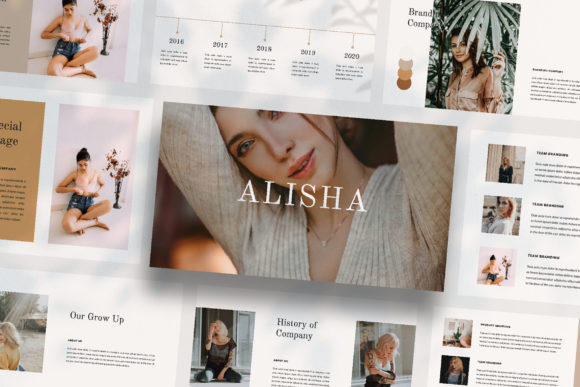
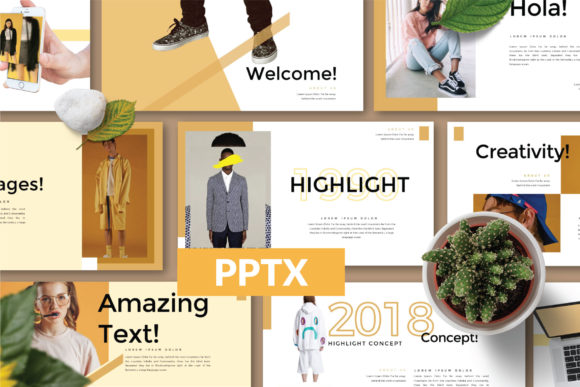
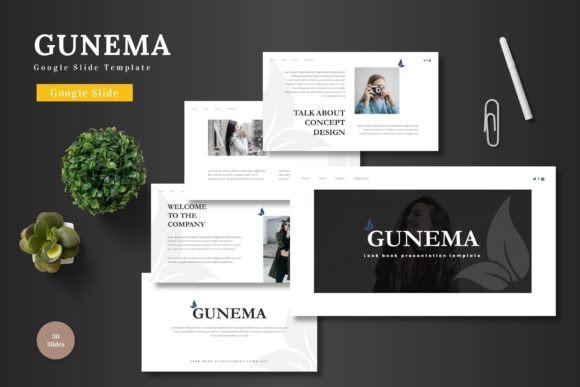
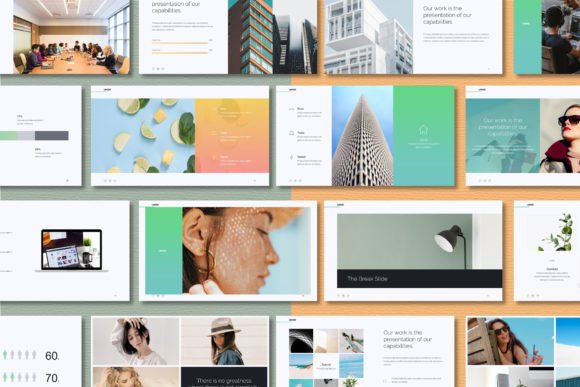
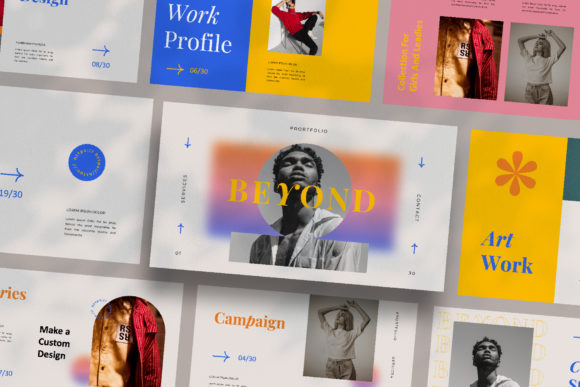
What makes a presentation stand out usually comes down to the details that most people overlook. It is the spacing, the alignment, and the rhythm of the layout. One of the most frustrating aspects of using pre-made templates is the "cookie-cutter" effect, where slide five looks exactly like slide ten, just with a different picture. The BEYOND – PowerPoint Template avoids this trap entirely. With 30 unique slides, every single page offers a new layout structure. Whether you are looking for a lookbook style for a fashion brand or a clean, grid-based structure for a marketing report, the variety ensures that your audience stays engaged. You are not just filling in boxes; you are curating a visual experience.
The Anatomy of a Modern Presentation
When we talk about modern typography and design assets, we are talking about flexibility. The BEYOND – PowerPoint Template is designed with a high-resolution 1920x1080 pixel canvas, ensuring that your visuals look crisp on any screen, from a laptop to a conference room projector. But the real magic lies in the utility. We know that time is money, especially for small business owners and freelancers. The inclusion of Slidemaster technology means that the heavy lifting is done for you. It utilizes a drag-and-drop image placeholder system that allows you to swap out visuals without breaking the layout. If you have ever spent an hour trying to resize an image to fit a stubborn text box, you will appreciate the engineering here.
Color theory is another critical component of brand identity. A generic template forces you to manually change colors on every element, leading to inconsistencies. This template features a unique theme color system that allows for automatic color changes. If your client’s brand uses a specific shade of teal, you can adjust the master theme, and the entire deck adapts instantly. This feature alone is a game-changer for marketing agencies handling multiple clients. It ensures visual consistency across all 30 slides, reinforcing brand recognition without the tedious manual labor.
From Digital Media to Tangible Marketing
While this is technically a PowerPoint file, thinking of it as strictly for lectures or internal meetings would be a mistake. The layout variations are sophisticated enough to serve as the foundation for a wide range of creative projects. For the social media manager, individual slides can be screenshotted and resized to create cohesive Instagram stories or Facebook carousel posts. The "magazine style" layouts are particularly effective here, offering a editorial design feel that stops the scroll.
Consider the entrepreneur who needs to create a quick pitch deck for a potential investor. First impressions are visual. A deck that looks disjointed or amateurish can subconsciously signal that the business plan is also disorganized. By using a premium template like BEYOND, you are borrowing the credibility of professional design to bolster your own message. It is about elevating the perceived value of your proposal before you have even said a word.
Furthermore, the applications extend into print materials. Because the designs are clean and use vector-based elements, they can be exported as PDFs for lookbooks, product catalogs, or even simple brochures. If you are a crafter or a hobbyist looking to create a portfolio of your work, the magazine-style layouts provide the perfect backdrop to let your photography shine. It bridges the gap between a digital presentation and a printed portfolio seamlessly.
Typography and Visual Hierarchy
A template is only as good as its typography. The BEYOND – PowerPoint Template utilizes free fonts, which is a massive advantage for commercial use. There is nothing worse than falling in love with a design only to discover you need to purchase a $200 license to use it in your logo or marketing materials. By sticking to high-quality, free-to-use typefaces, the template ensures that you can deploy your final product anywhere—on your website, on merchandise, or in print—without legal headaches.
The layout structure takes readability seriously. In the world of web design and presentation design, the "F-Pattern" is a well-known concept where users scan content in a shape that resembles the letter F. The slides in this collection respect visual hierarchy, using large headers to grab attention and smaller body text for details. This prevents the "wall of text" phenomenon that kills audience engagement. Whether you are designing a poster or a digital product guide, these spacing rules help guide the viewer's eye exactly where you want it to go.
Customization for the Creative Professional
For the designer or creative entrepreneur, a template should be a starting point, not a restriction. The fact that this collection is fully editable means you can use it as a canvas for your own brand identity work. You might take the layout of slide 12 and use it as the basis for a new packaging design mockup. You might use the grid system of slide 20 to structure your next blog header. The "drag and drop" nature of the image placeholders makes it incredibly easy to experiment with different visual pairings.
Let’s talk about practical application for a moment. Imagine you are a content creator launching a new digital product, like an ebook or an online course. You need a sales page, social media assets, and a launch deck. Instead of starting from scratch three times, you can use the BEYOND – PowerPoint Template to create a unified visual language across all three. The color themes ensure they match, and the variety of layouts allows you to adapt the content for different formats. This kind of workflow efficiency is what separates a hobbyist from a professional.
Choosing the Right Design Asset
When evaluating design assets, it is easy to get distracted by flashy previews. However, the utility of a template lies in its structure. Does it hold up when you replace the beautiful stock photos with your own imperfect images? Does the text layout accommodate short, punchy headlines as well as longer, explanatory paragraphs? The BEYOND – PowerPoint Template is built to handle real-world content. The layouts are balanced, meaning they look good even if you don't have a professional photographer on hand.
For those in the marketing or branding space, the ability to create "lookbook" style presentations is invaluable. This aesthetic is no longer reserved for fashion magazines. Tech startups, food bloggers, and service providers are all adopting this visual style to tell their stories. It feels more personal and curated than a standard corporate deck. It suggests a level of care and attention to detail that resonates with modern audiences.
Ultimately, the goal of any visual tool is to make you look good. Whether you are a freelancer pitching a new client, a student presenting a thesis, or a business owner training new staff, the medium is part of the message. Using a disjointed, default template says "I didn't have time" or "I didn't care enough." Using a cohesive, high-resolution, and unique design system says "I am a professional." The BEYOND – PowerPoint Template provides that professional polish. It allows you to focus on your content—your words, your data, your story—while the design does the heavy lifting of making it visually compelling.
In a digital landscape saturated with noise, clarity and aesthetics are your best allies. By leveraging tools that prioritize clean design, easy customization, and high-resolution output, you ensure that your message isn't just heard, but felt. Whether you are building a brand from the ground up or refreshing an existing one, having a versatile presentation template in your toolkit is not a luxury; it is a necessity for effective communication.